

I’ve been running a 5 kW PV installation with a three-phase SolarEdge inverter for about four years now. We use an 18 kW grid connection. In short, we are happy prosumers.
Our home network is… well, organic. A relatively large yard, patched over time with 2–3 generations of Wi-Fi access points: older UniFi units mixed with newer TP-Link ones. On Wi-Fi we have 20+ devices: Shellys, Tado, Nuki, Daikin AC, Sonos, Garmin, Viessmann, some Tuya devices, and more. It all works, mostly.
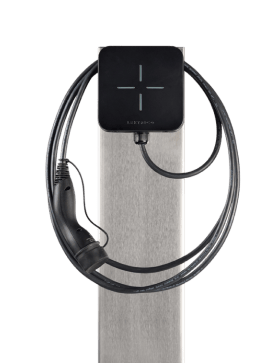
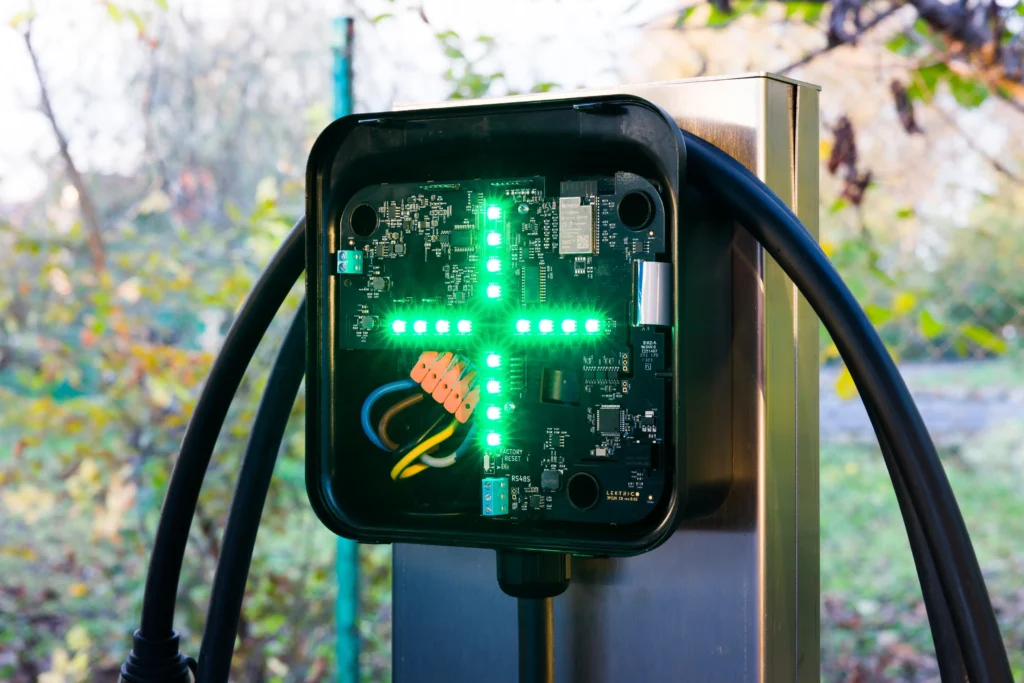
With a very decent prosumer tariff from Hidroelectrica (0.85 RON/kWh incl. VAT, sadly only until February 2026), I decided it was time to install a TRI EV Charger in the driveway and really take advantage of solar charging.
Mechanical Installation—No Concrete, No Regrets
The first step was installing the stainless-steel pole—without pouring a concrete foundation. I used a ground screw sourced from SF Bulgaria (https://sf-bulgaria.com/). Rock solid. Highly recommended.
For cabling, I chose a 5 × 6 mm² flexible rubber cable. That’s where things got… character-building.
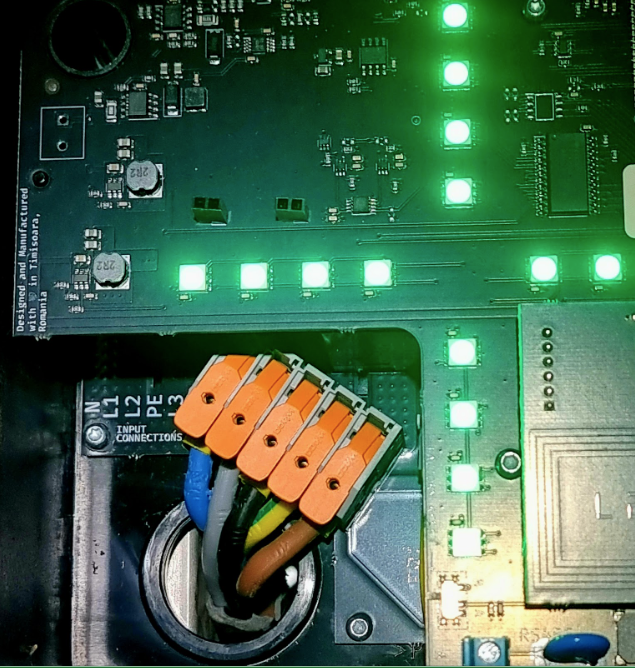
Connecting those thick conductors into the WAGO cage clamp lever terminals inside the TRI was not trivial. I’m not a professional electrician, and it showed. With various pliers, a lot of patience, and some mild frustration, I finally managed to achieve everything properly seated.
Time spent: over an hour
Conditions: dark and cold.
App Setup: At first, a smooth start
The LEKTRI.CO app installation from Google Play went smoothly. For Wi-Fi, I used my existing SSID, which is broadcast by multiple access points across the property. At first, everything looked fine. Then came energy management integration.
SolarEdge Integration—Where Things Get Interesting
My SolarEdge inverter (5 kW) has a SolarEdge smart meter connected via Modbus RTU over a fairly long twisted-pair cable.
In the Lektrico app, I selected SolarEdge as the integration, but sadly nothing was auto-discovered.
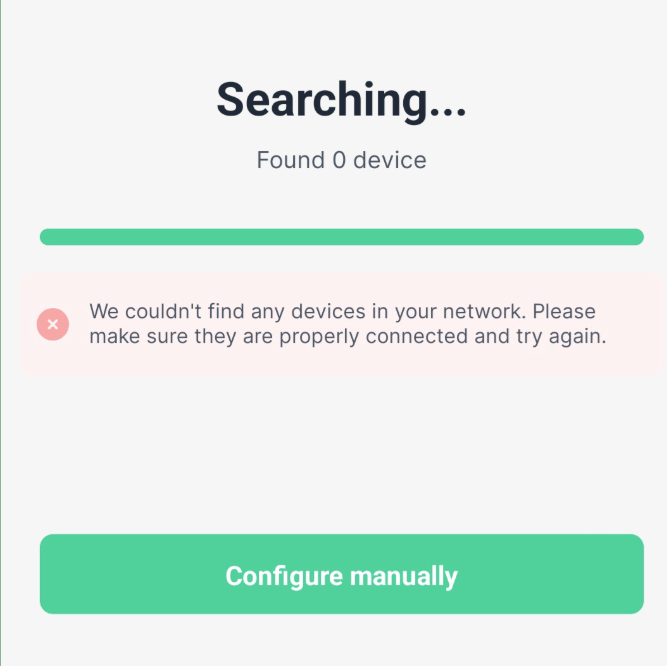
Instead, the app asked me to manually enter:
- IP address
- Port
- Modbus ID
In this situation, ChatGPT proved to be invaluable, as it was a Sunday and I had no desire to make phone calls.
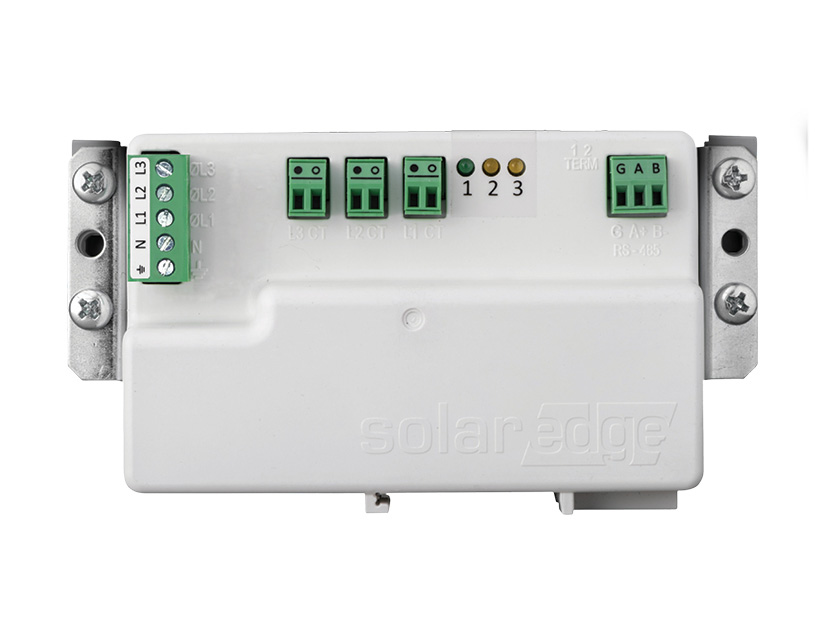
The recommendation of ChatGPT was to use SolarEdge SetApp to:
- Identify the inverter’s IP.
- Confirm the Modbus ID of the smart meter.
- Enable Modbus TCP and set port 502
Somehow, but don’t ask me how, I got it working. Success! …until it stopped working.
The Real Issue: Wi-Fi Subnets (and Access Points)
The next day, after several calls with support and even speaking directly with the app developer Bogdan on Monday, the real issue became clear:
The TRI charger, the SolarEdge inverter, and your smartphone must be connected to the same access point (same subnet). Not just the same SSID. The very same physical AP! Why is it so? Because the inverter speaks to the charger locally through RPC over some ports which may not be free over different APs.
Symptoms
- When my phone was on a different AP, the app showed a cloud icon.
- Only when all three were on the same AP did the Wi-Fi icon appear.
- Even though everything “looked” connected, it wasn’t.
The Fix
I restructured my Wi-Fi topology:
- Created a dedicated SSID: CivitronicP
- Connected TRI charger + SolarEdge inverter to this SSID
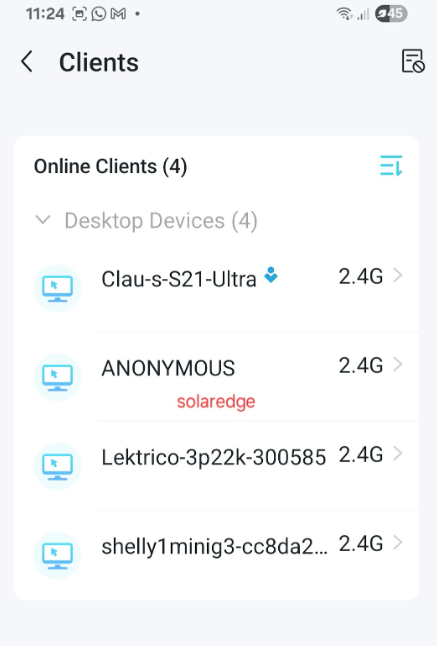
- Verified with TP-Link Tether that all devices were indeed on the same AP
The SolarEdge inverter, being a bit shy, showed up as ANONYMOUS in the client list, but it was there.
Final Thoughts: What I Learned
Knowing these (somewhat counterintuitive) details, I can now confidently reinstall everything at any time.
Key Takeaways
- SolarEdge is stealthy—it doesn’t always show its real identity on Wi-Fi
- All three participants must be on the same AP:
- TRI charger
- SolarEdge inverter
- Smartphone
- Do not trust SSID alone—check the AP’s client list
- Fix the inverter IP address if you can
- Ensure:
- Port = 502
- Modbus ID = 2 (for the smart meter)
Once these conditions are met, solar-aware EV charging works beautifully.